Your family. One photo search.
Choose whose faces to include. Either person can match.
Photo Search
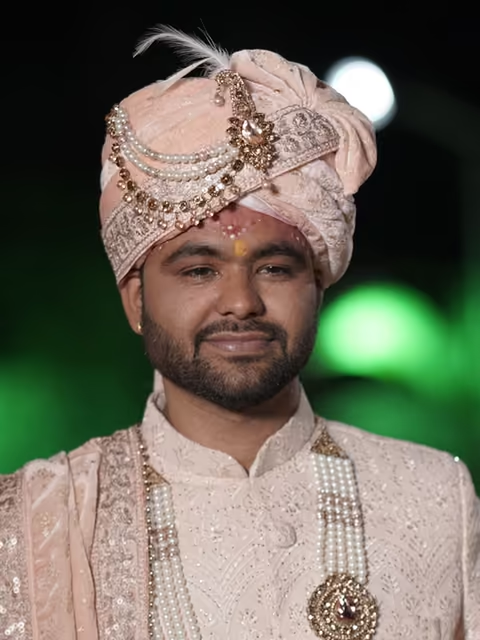 You
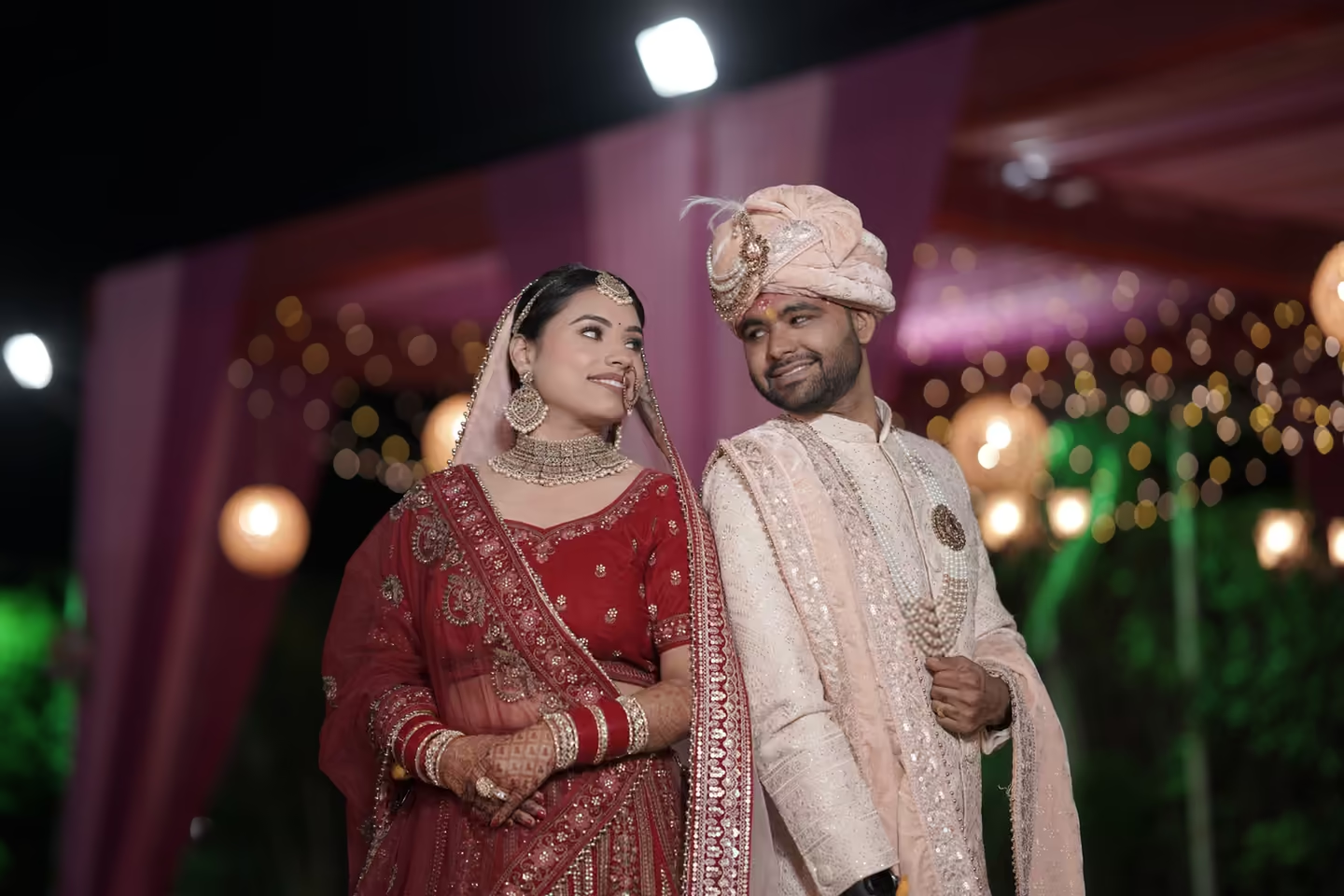 FamilyPhotos of you or family
Family Search
Let guests find family photos in one account.
Aarav (You)Find your event photosYouMeeraPhotos of you or familyEither face can match · Within this event
Together in one account
Either face can match
Within the gallery you joined
Choose whose faces to include. Either person can match.
YouFamilyPhotos of you or familyMatching stays inside the gallery you joined.
Family matchesNo card needed
Included in every plan · At no extra cost
Use the gallery link shared by the studio.
Save a face scan for each family member.
See matching photos from that event together.
Yes. Add family face scans in the same account to find their matching photos in the event.
No. Face matching stays within the event.
More for your studio